Beta on iOS · Android
托马斯训练助手 · Thomas Flare Trainer

FlareLab

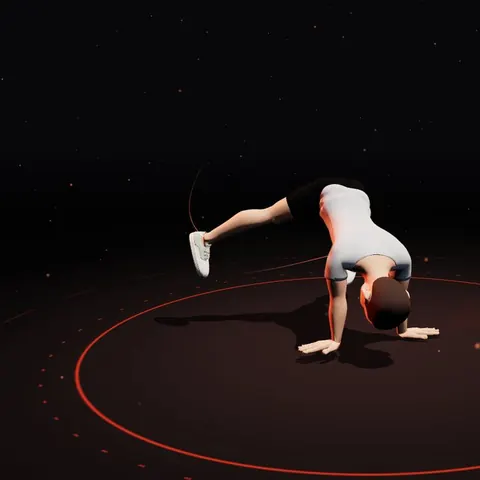
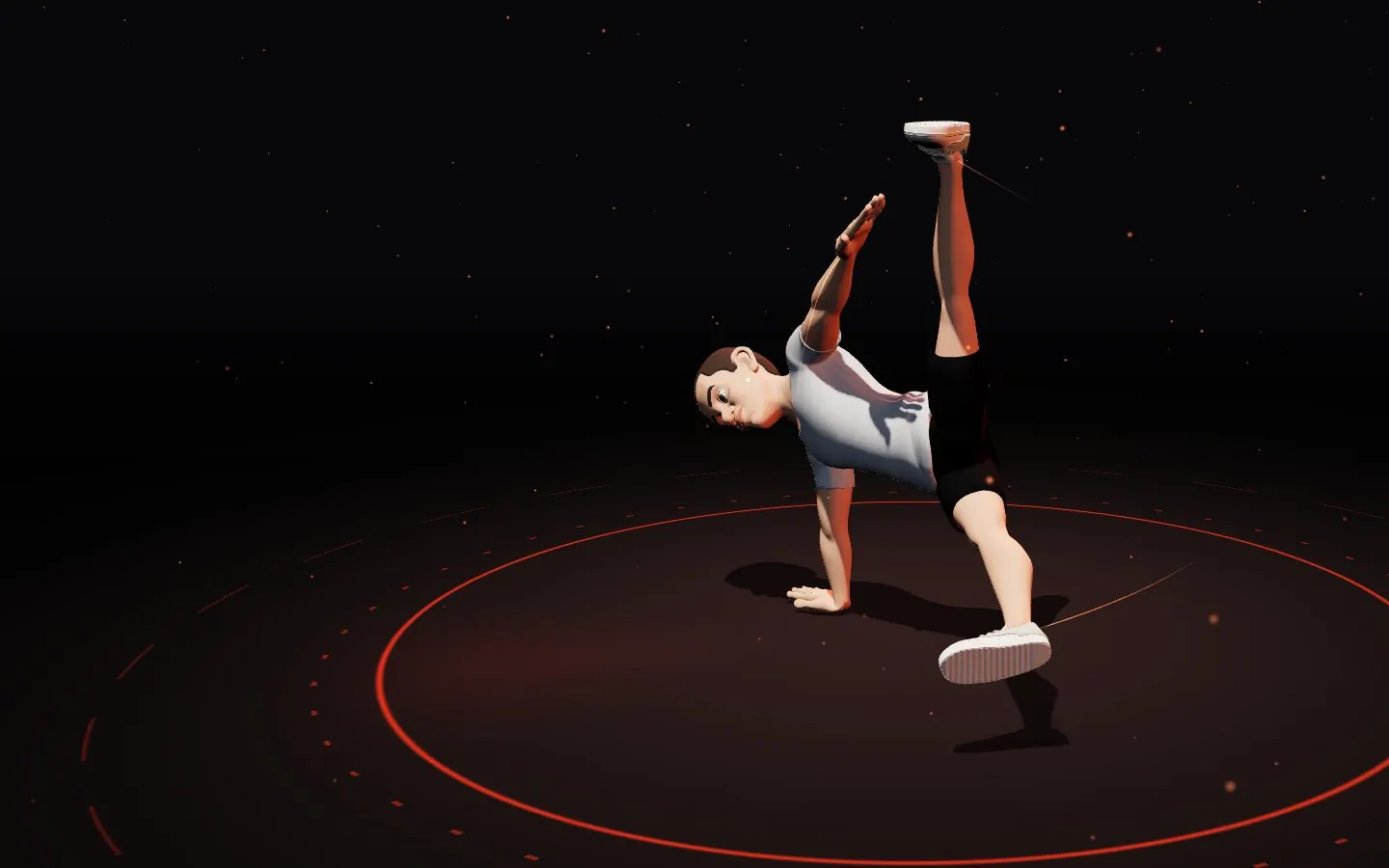
The training app that teaches the Thomas flare with a 3D coach

Eight phases broken down frame by frame, 17 muscle groups highlighted as the move plays, and 51 drills in three levels — bodyweight, home gear and gym — plus training plans and a log.

Free during beta · iOS via TestFlight · Android via Google Play internal testing

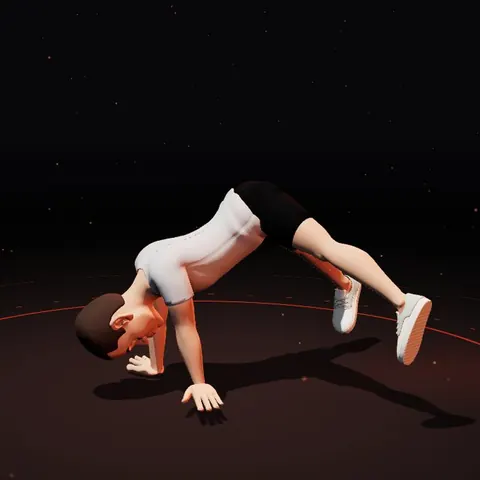
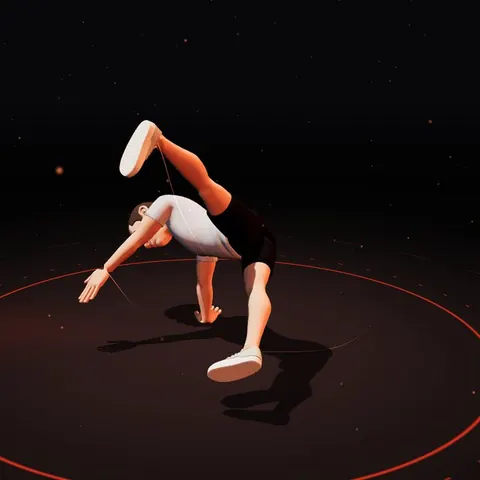
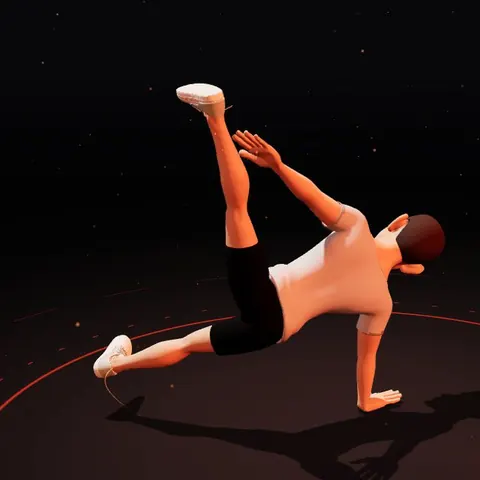
Live 3D · drag to rotate
03/08 · First side support
8phases
17muscle groups
51drills
14app languages
Muscles per phase
Drill detail
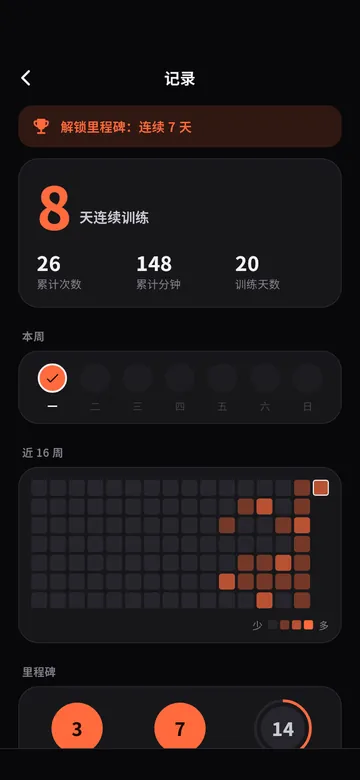
Training log
Muscles per phaseDrill detailTraining log
01

8 phases, frame by frame

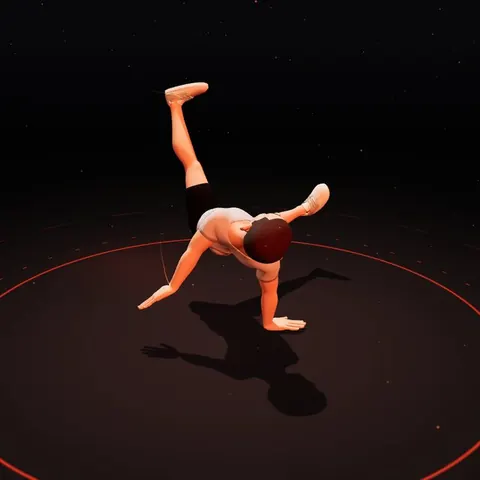
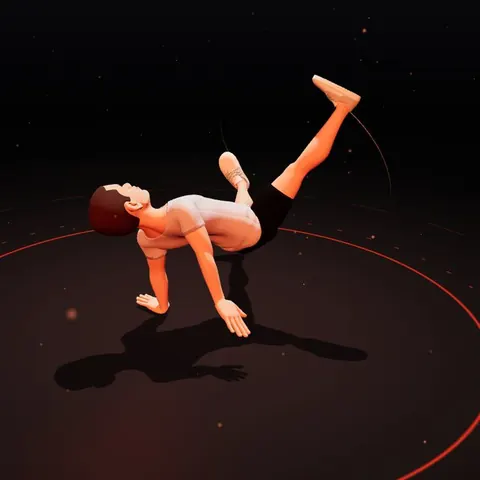
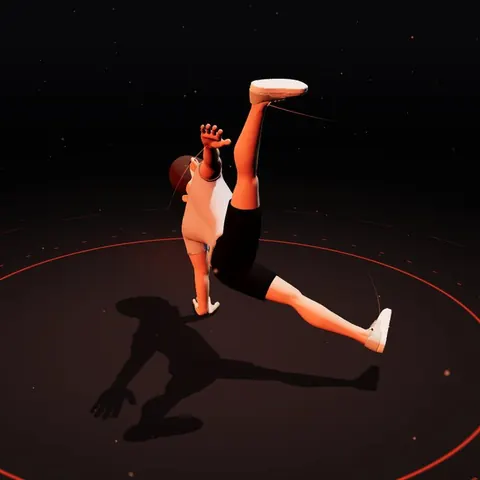
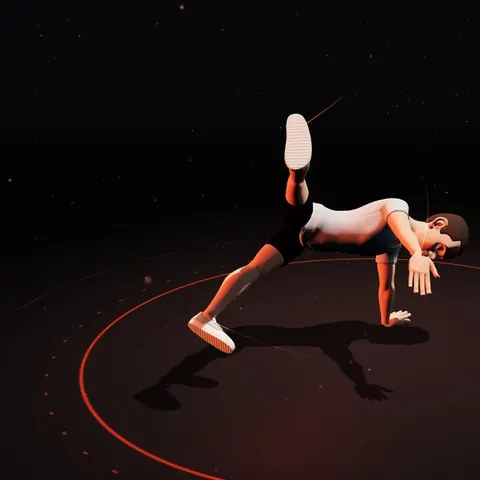
FlareLab splits one flare loop into eight phases. Drag the timeline or tap a phase number and the coach freezes on that frame; drag with one finger to see the hands and legs from any angle.

  • Scrub the timeline frame by frame
  • 0.25× / 0.5× / 1× playback
  • Rotate the view 360°
  • 7 coach looks to choose from
Rear support
01
Rear supportLegs swing past the front
First transfer
02
First transferWeight onto one hand
First side support
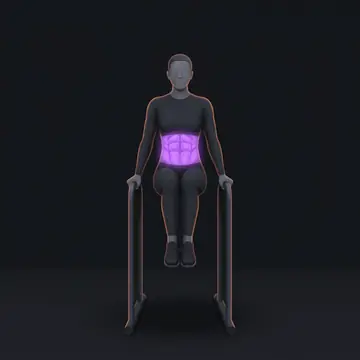
03
First side supportOne-arm support, high V
First leg pass
04
First leg passScissor legs to the front
Front support
05
Front supportHands behind, chest up
Second transfer
06
Second transferSwitch hands
Second side support
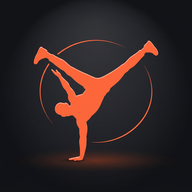
07
Second side supportOne-arm support, high V
Second leg pass
08
Second leg passSweep back, catch the next loop
02

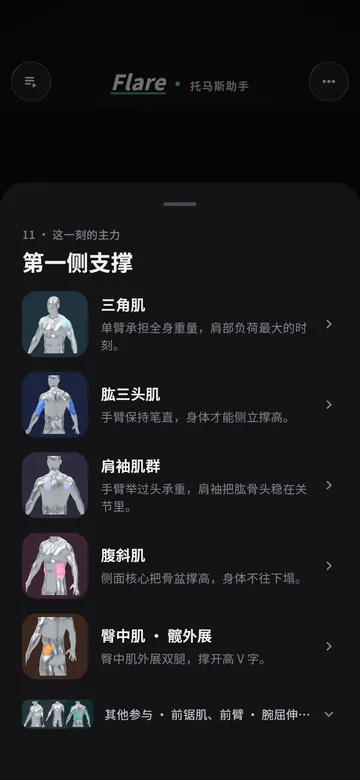
17 muscle groups, highlighted live

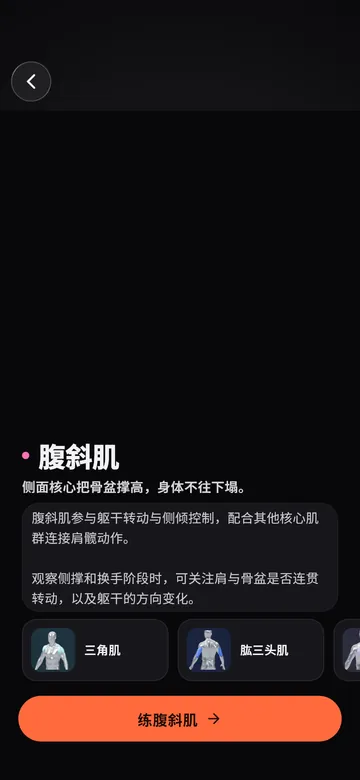
For every phase the app lists the prime movers and the supporting muscles, split left and right by support hand. Tap a group to see what it does in that phase, what to watch for, and which drills train it.

  • Support (8): deltoids, rotator cuff, triceps…
  • Core (4): abs, obliques, erectors, hip flexors
  • Legs (5): glutes, hip abductors, adductors…
  • Jump straight from a muscle to its drills
Muscles in this phase
Muscle detail
03

51 drills in three levels (A/B/C)

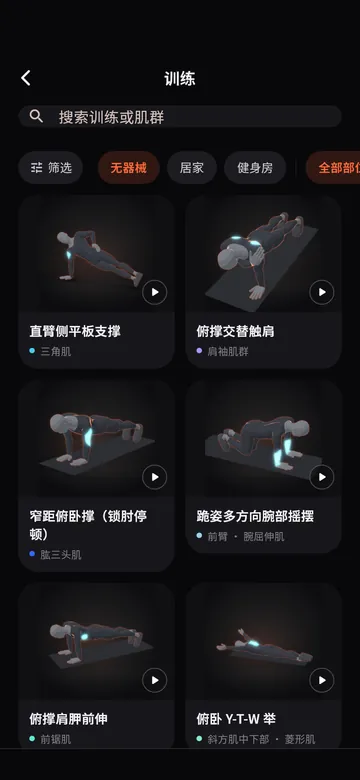
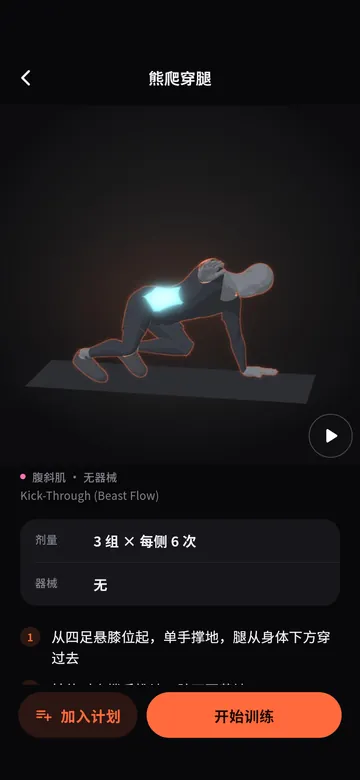
Each of the 17 muscle groups has three drills: A bodyweight, B home equipment, C gym. Every drill comes with a 3D demo, sets and reps, form cues, common mistakes and a safety note, and you can filter by equipment or muscle.

  • A bodyweight · B home gear · C gym
  • 3D demo with slow motion
  • Sets, reps and form cues
  • Common mistakes and safety notes
Drill library
Drill detail
A few drills from the library
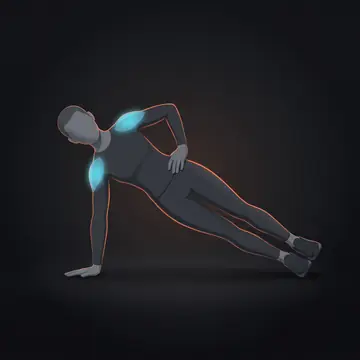
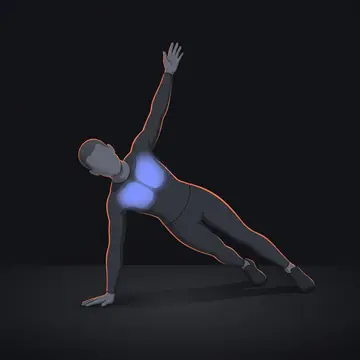
Straight-Arm Side Plank

AStraight-Arm Side Plank

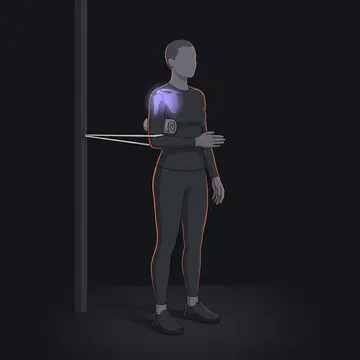
Band External Rotation

BBand External Rotation

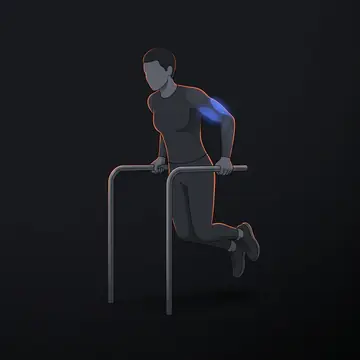
Parallel Bar Dips

CParallel Bar Dips

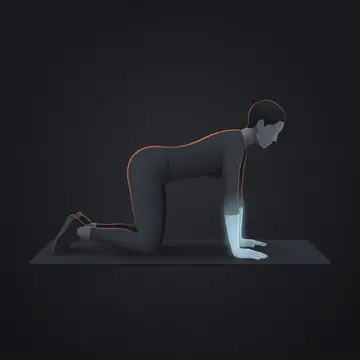
Quadruped Wrist Rocks

AQuadruped Wrist Rocks

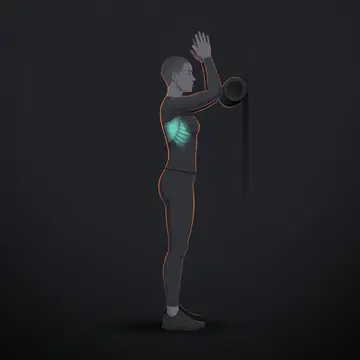
Foam Roller Wall Slide

BFoam Roller Wall Slide

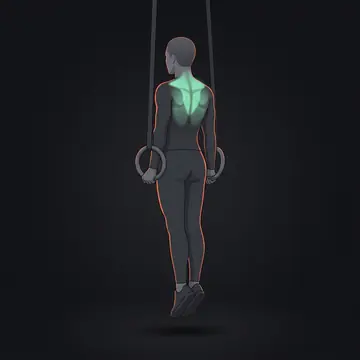
Ring Support Hold

CRing Support Hold

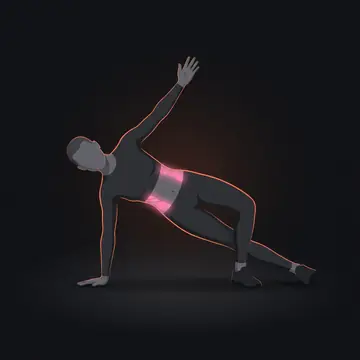
Push-Up to Side Plank Rotation

APush-Up to Side Plank Rotation

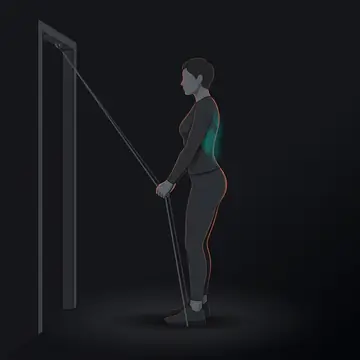
Band Straight-Arm Pulldown

BBand Straight-Arm Pulldown

Dip-Bar Support Leg Raise

CDip-Bar Support Leg Raise

Kick-Through (Beast Flow)

AKick-Through (Beast Flow)

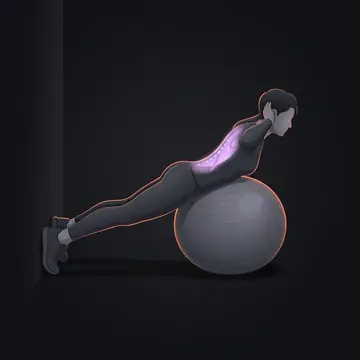
Stability Ball Back Extension

BStability Ball Back Extension

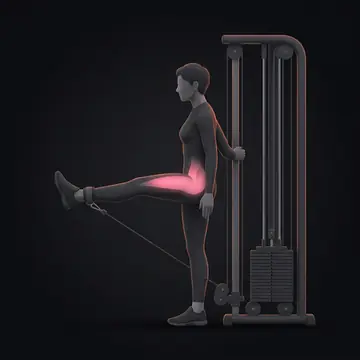
Cable Straight-Leg Raise

CCable Straight-Leg Raise

04

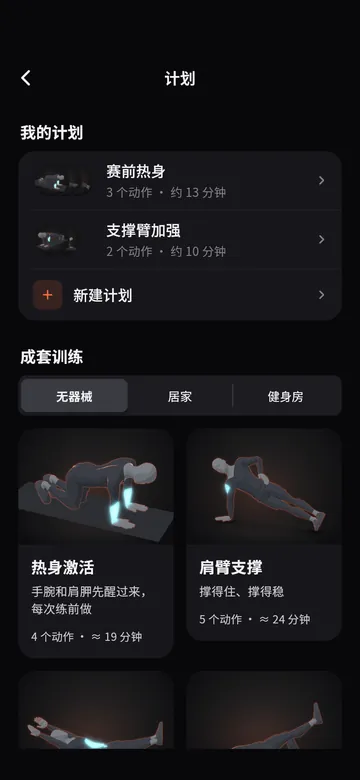
Ready-made and custom plans

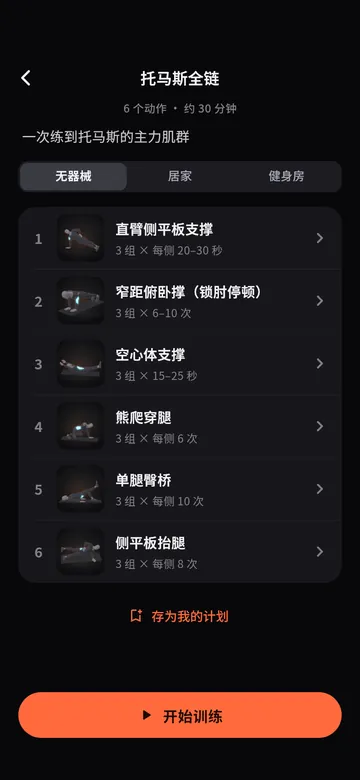
Start a ready-made session — warm-up activation, shoulder and arm support, the full flare chain — or build your own plan from the drill library. You can also describe your space and time in one sentence and let AI put a plan together.

  • Sessions for no equipment, home or gym
  • Custom plans: your drills, your order
  • AI plans from your space and time
Plans
Full flare chain
05

Training log and milestones

Every session is saved automatically. The log shows your current streak, total sessions, total minutes and training days, this week at a glance and a 16-week heatmap. Streaks of 3, 7 and 14 days unlock milestones.

  • Streak and running totals
  • This week + 16-week heatmap
  • 3 / 7 / 14-day milestones
Training log

Start training in 4 steps

  1. 01Install

    After you sign up you get an invite: install via TestFlight on iOS or Google Play internal testing on Android.

  2. 02Pick a phase

    On the home screen, pick the phase you are stuck on and watch the coach and the muscles working in it.

  3. 03Train

    Open the drills for that muscle group, or start a ready-made plan, and follow the sets.

  4. 04Track

    Sessions save automatically; check your streak, heatmap and milestones in the log.

FAQ

Is it free?

Yes, the app is free during the beta.

Which devices are supported?

iPhone via TestFlight and Android phones via Google Play internal testing.

How do I join the beta?

Email mhgd3250905@gmail.com with your phone platform and the account email you will test with (your Apple ID for iOS, your Google account for Android). We send the invite to that address — just follow the link in it.

Does it need an internet connection?

The 3D demos and drill content work offline.

Which languages does the app support?

14, including English, Simplified and Traditional Chinese, Japanese, Korean and Spanish.

Is the training safe?

Drills are coaching advice, not medical prescriptions, with conservative volumes for beginner-to-intermediate breakers. Every drill has a safety note; stop if you feel pain or numbness.

Join the iOS / Android beta

The beta is free. Email us your phone platform and test account email and we will send you an install invite.

Sign-up email: mhgd3250905@gmail.com · 294851575@qq.com